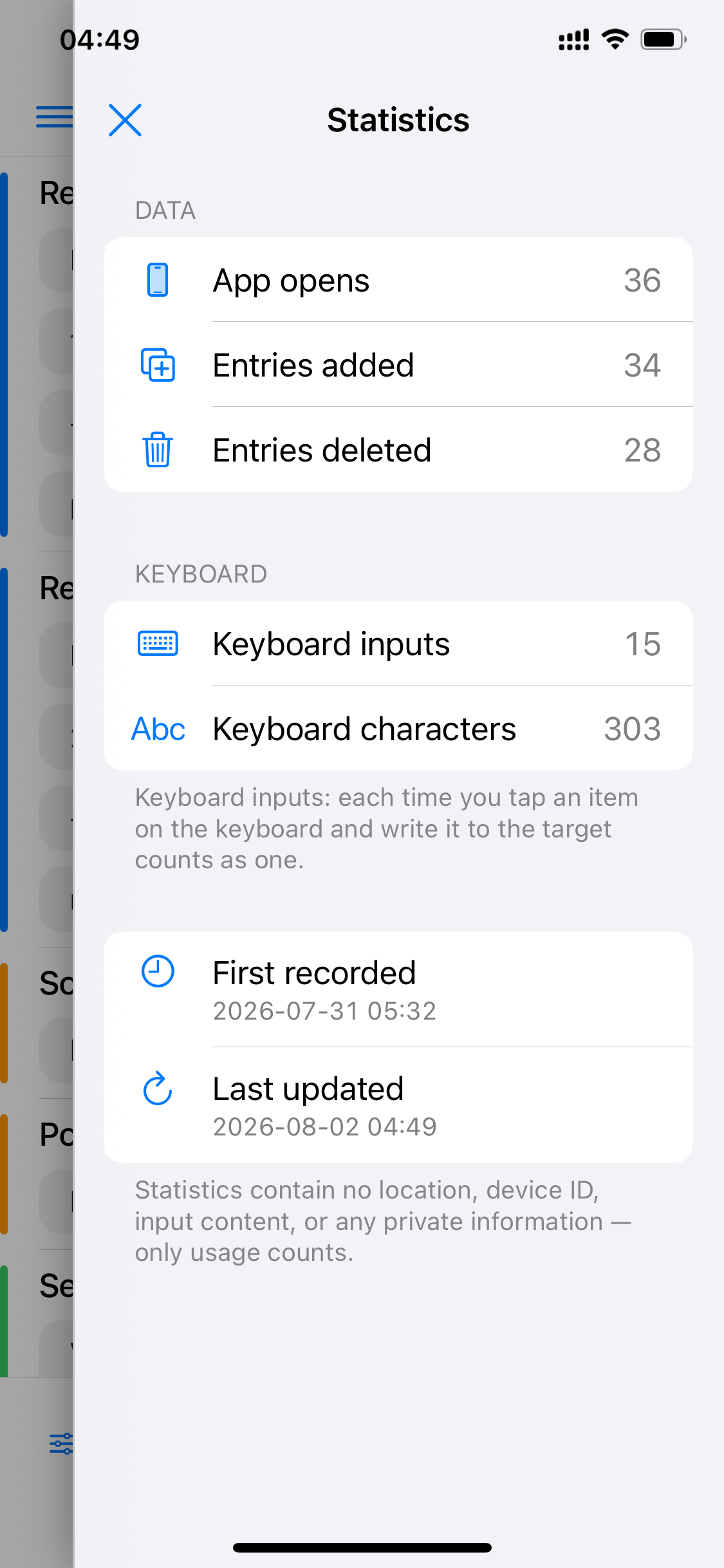
Scrip helps you see how many taps you've saved — but only counts, never content: no location, device ID or input text of any kind. All stats stay on your device.
App launches, entries added / removed — see how your library has grown.
Keyboard input count and character count — every entry you tap into a target app counts as one, that's the typing you've saved.
Start date and last update are always visible — your data trail is fully transparent.
So does stats, and so does the whole app. Four promises, built into the product.
All entries and stats are stored locally on your device — never uploaded to any server.
Nothing is collected or sent back; a URL you provide is only accessed when you turn on “Process URL.”
The keyboard's only job is typing your selected content into the input field — it never logs what you type in other apps.
You're fully in control of your entries and stats — add or remove them whenever you like, and once deleted, they're gone.
 Scrip
Scrip