Save the URLs of official sites, dashboards and docs you visit often as entries. Bring up the Scrip keyboard in the address bar, tap a URL entry to fill it in, then tap “Go” — no memorizing, no digging through bookmarks.
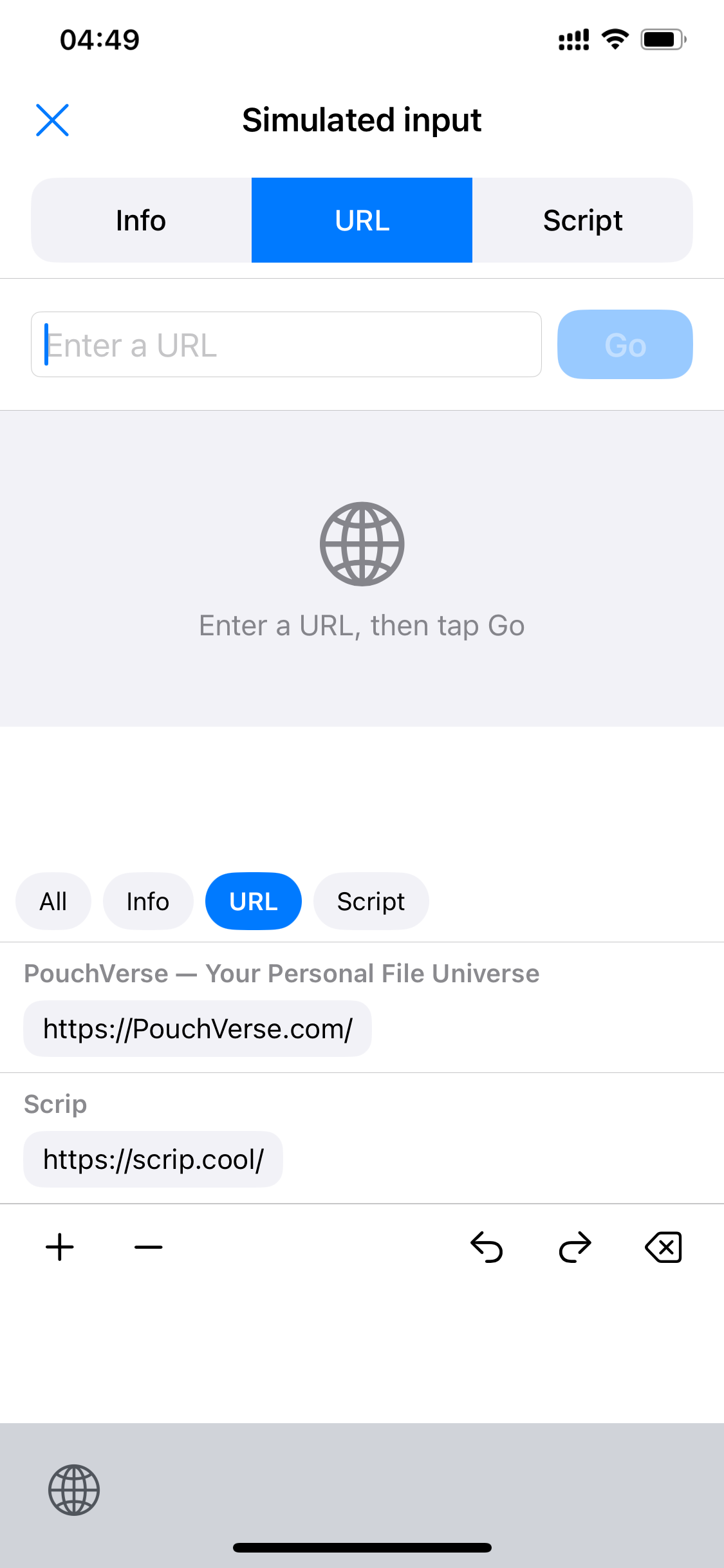
Tap any URL chip in the keyboard — PouchVerse, Scrip or others — to fill the address bar.
Once the address bar has content, the blue “Go” button on the right becomes tappable.
Tap “Go” and the area below simulates loading the site. ⌥ clears the address bar to start over.
URL entries form their own group in the keyboard — tap to fill the target app's address bar instantly.
 Scrip
Scrip