Save the lines you type over and over as script entries. A template with a %SCRIP1% placeholder lets you fill in a name on the spot — pick one, the whole reply types in instantly, then tap send.
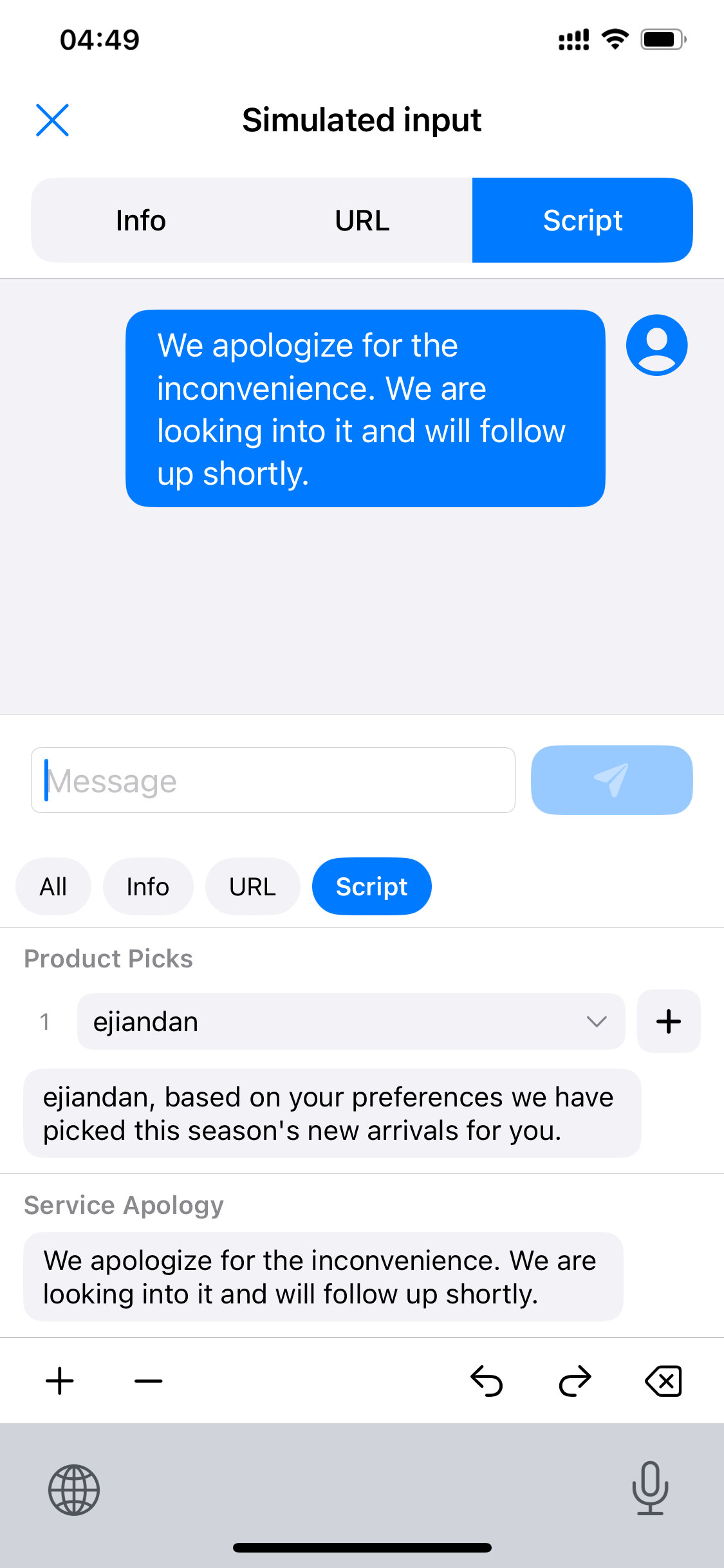
“Product Picks” contains a %SCRIP1% placeholder; the dropdown above the entry shows the current value — tap to switch it.
Once you pick a value, the placeholder inside the entry chip changes right away — what you see is what you get.
The whole script types into the message box, then tap send to post it. “Service Apology” has no placeholder — tap and send right away.
Script entries line up above the chat box; entries with placeholders come with their own dropdown — pick a value and the whole line is typed in.
 Scrip
Scrip