
Stop retyping the same thing on your phone.
Scrip keeps the text you use often organized and ready — type it with one tap from the keyboard. Addresses, scripts, account info, templates, links… no more typing by hand or hunting through notes to copy and paste.
Data stays on your device · Offline by default · No data collection · Multi-language support
The iOS app is currently in internal testing and not yet open for public download — stay tuned for the official launch.
You've definitely run into these

Typing the same thing again and again
Support scripts, shipping addresses, self-introductions — typed by hand, several times a day.

Switching back and forth to copy-paste
Jumping between notes and text fields, and sometimes pasting the wrong thing by mistake.

Slow typing on small screens
Small screens and cramped keys make typing long text slow and error-prone.
Turn everyday text into notes tucked inside Scrip, ready to grab anytime
Organized, at a glance
Group your everyday text by scenario — work, life, accounts, templates — kept tidy and ready whenever you need it.
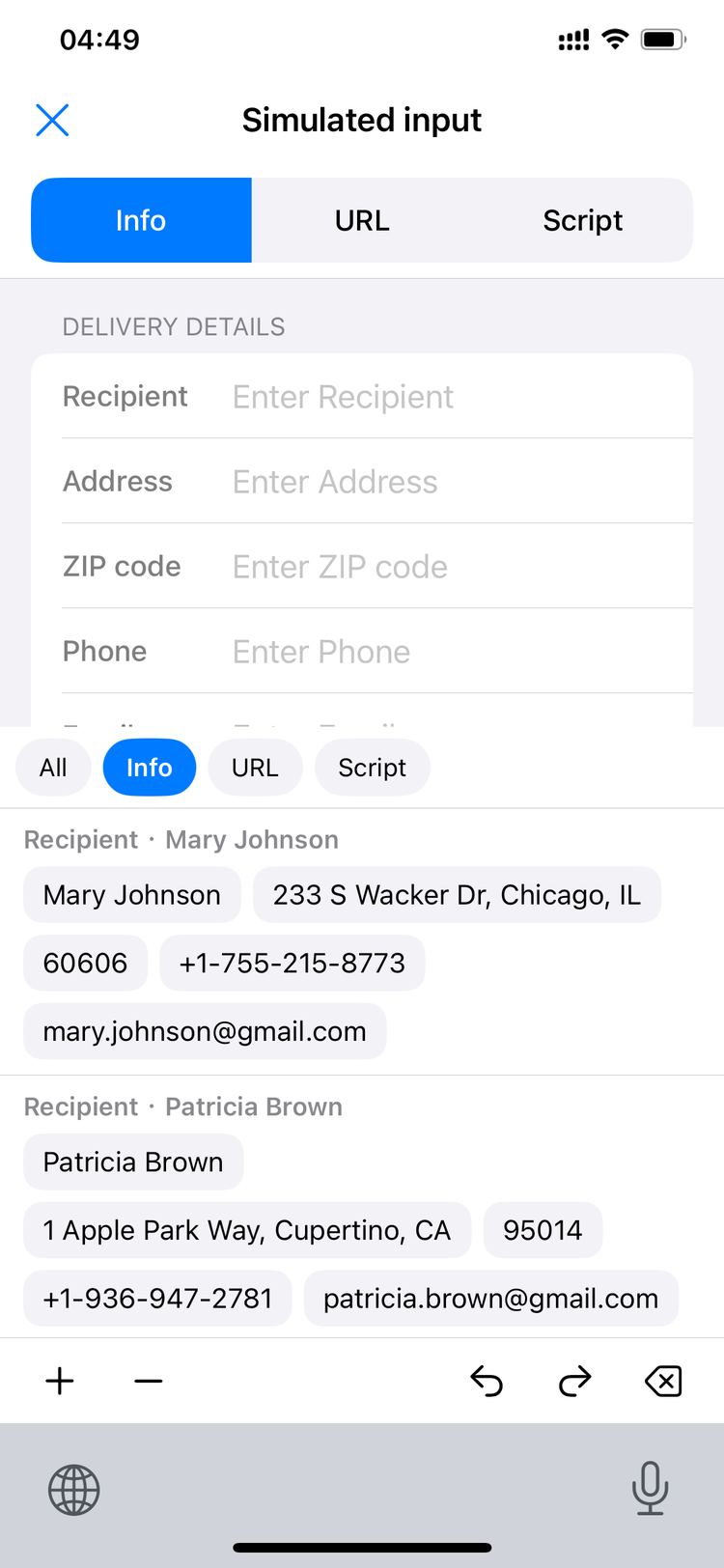
One tap in, no more typing
Bring up the Scrip keyboard in any app's text field and tap an entry to type it in directly — no copy-paste required.
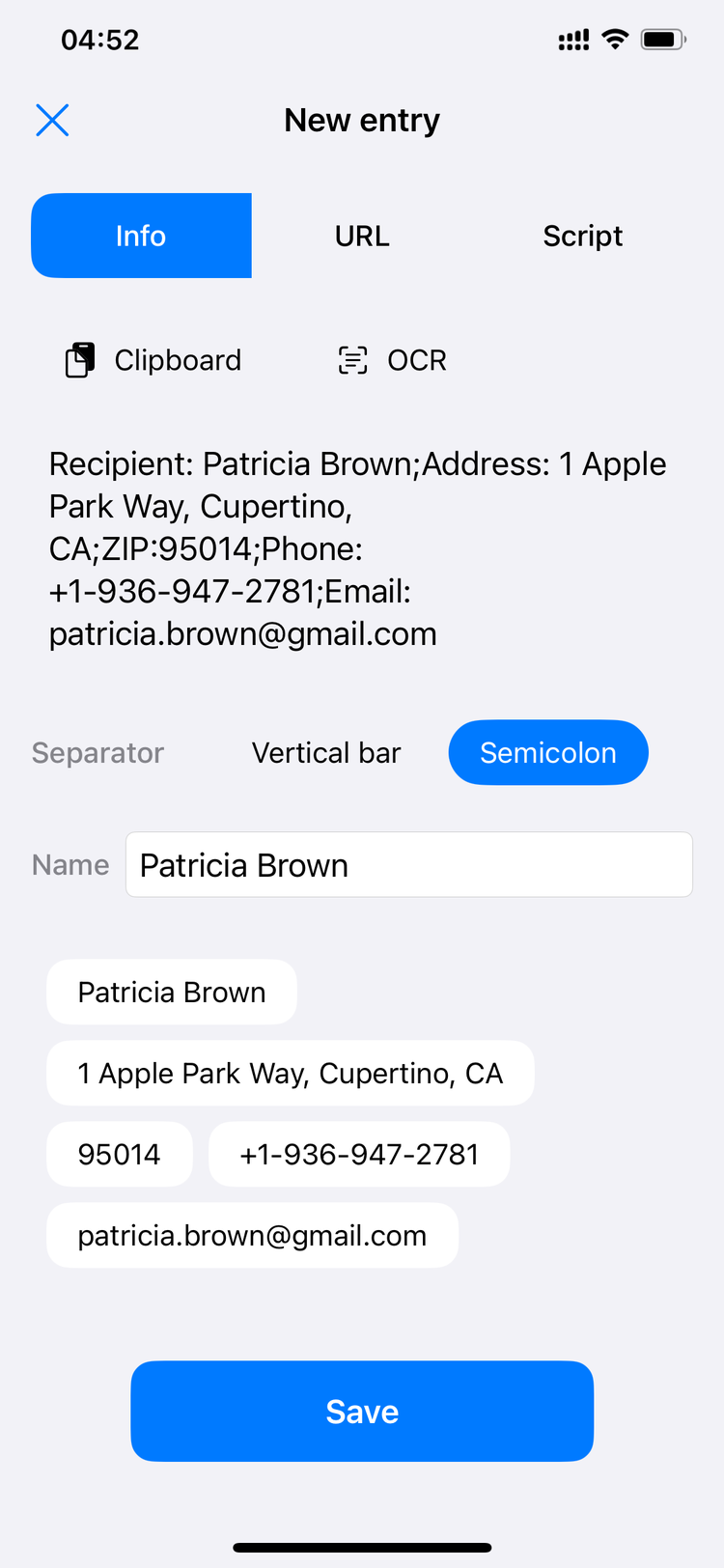
Links, cleaned up automatically
Pasted URLs are automatically recognized and tidied up into a cleaner link.
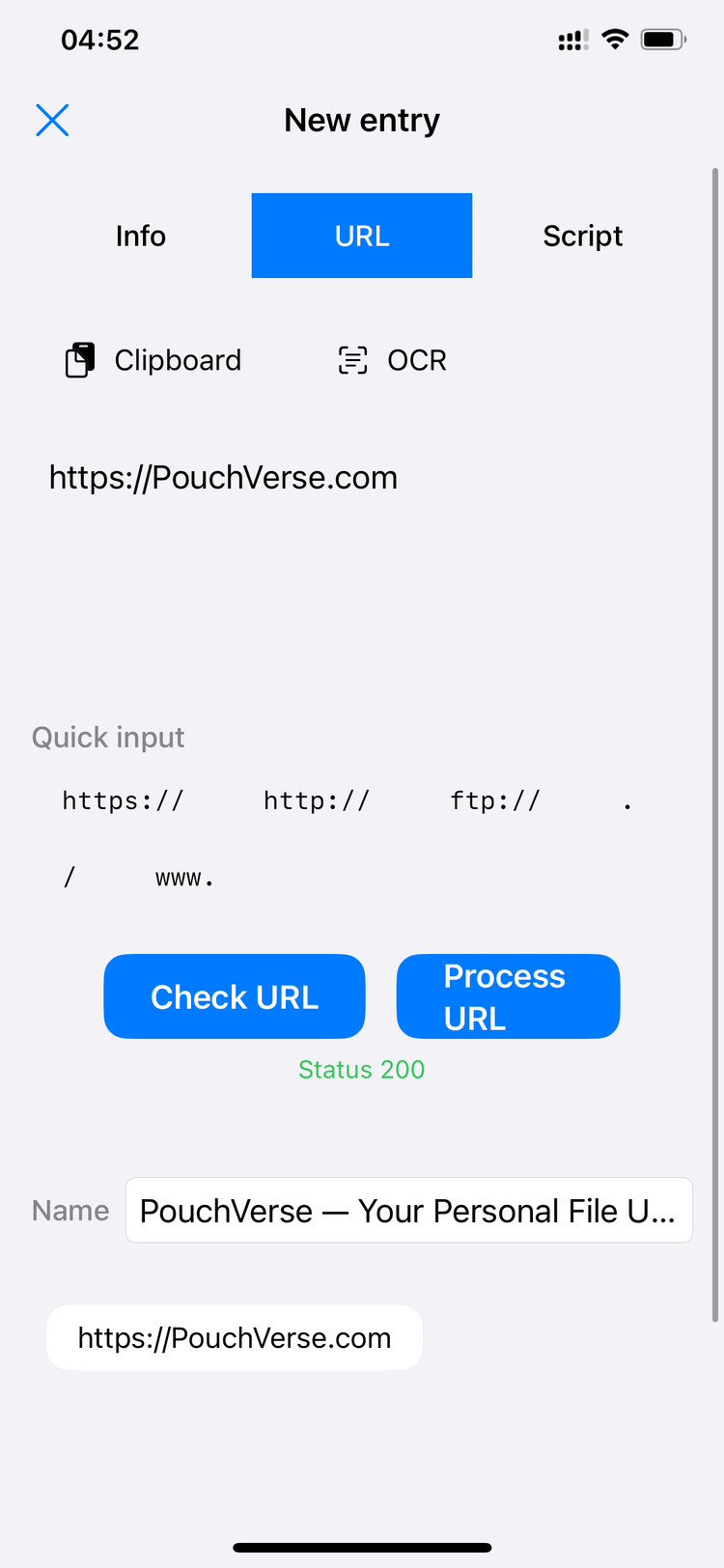
Understand your own habits
See how often you use each entry with fully local, on-device statistics that never leave your privacy exposed, so you can revisit what you use most.
Three steps to get started
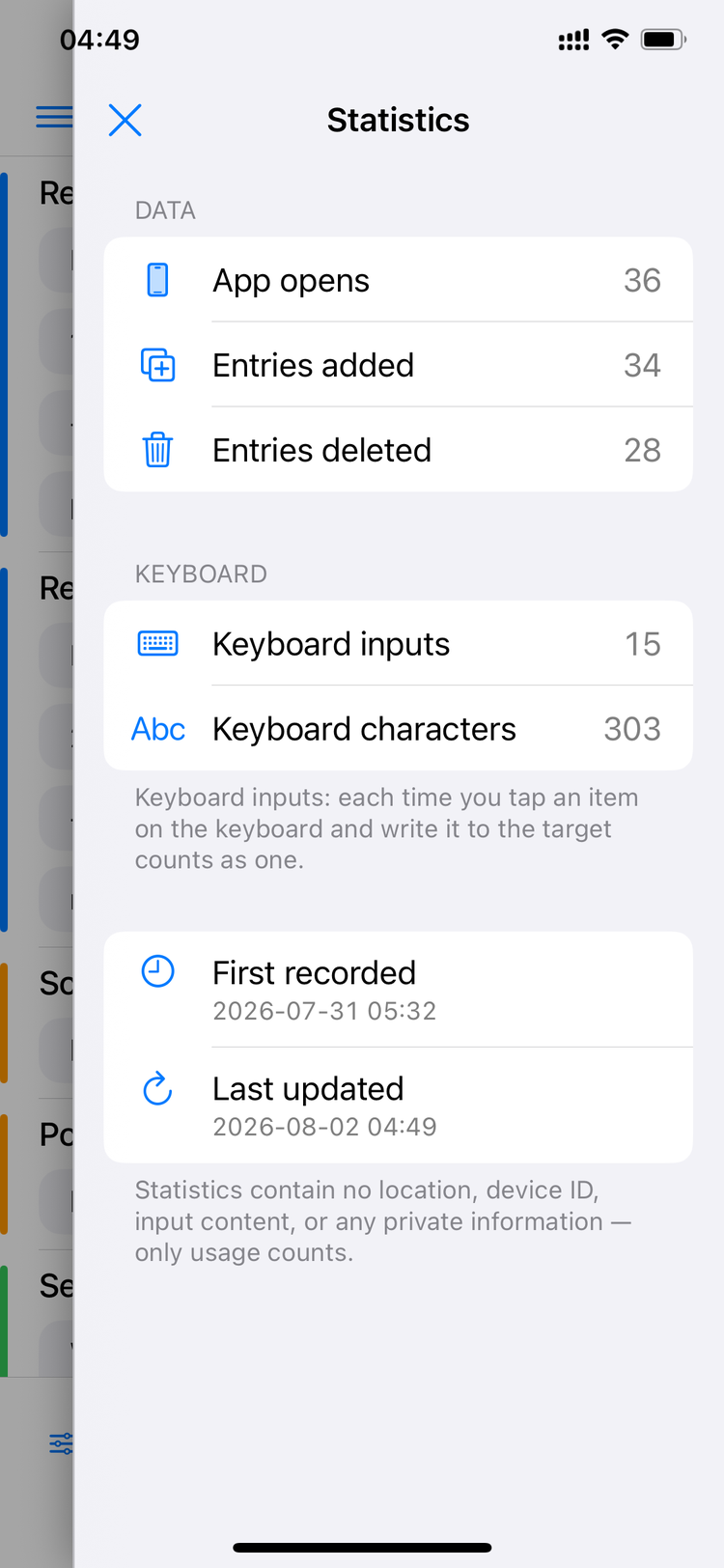
Add & Organize
Add the text you use often to Scrip and sort it into categories.
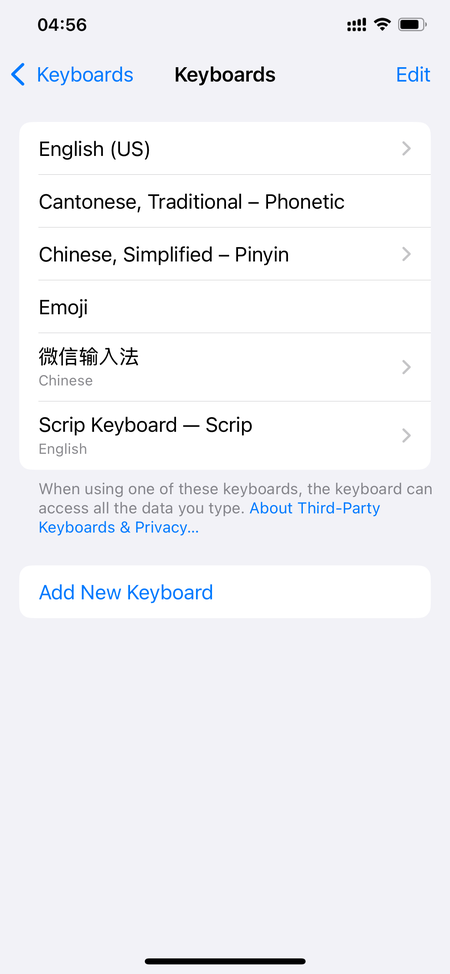
Enable the Keyboard
Turn on the Scrip keyboard in system settings — a one-time setup for long-term use.
Tap to Type
Bring up the Scrip keyboard in any text field and tap to type instantly.

Your content belongs only to you
-
Stored on-device only
All data is stored locally on your device and never uploaded to any server.
-
Offline by default, no collection
The app never collects or sends back your input content or personal information; it only accesses a URL you provide when you turn on Link Cleanup.
-
The keyboard doesn't log anything
The custom keyboard only handles input — it never logs what you type in other apps.
-
Clear it anytime
You're fully in control of your data — add or remove it whenever you like.
Built for portable devices
Scrip is designed for text input on phones, tablets, and other portable devices. The interface supports multiple languages and refreshes instantly when you switch.
How people use Scrip
“I put in my shipping address and go-to replies — I respond twice as fast now.”
“What I care about most is that nothing gets uploaded. I feel safe using it.”
“Just tap once on the keyboard and it's typed in — no more switching apps.”
Frequently Asked Questions
No. Everything is stored locally on your device only. The app is offline by default and doesn't collect data; it only accesses a URL you provide when you turn on Link Cleanup.
No. The keyboard only types the Scrip entry you select into the text field — it never logs what you type in other apps.
Scrip currently supports Simplified Chinese, Traditional Chinese, English, Japanese, Korean, Spanish, German, and French.
Add and categorize your everyday text → enable the Scrip keyboard in system settings → bring it up in any text field and tap to type.
Data lives on your device and never touches a server, so it doesn't sync automatically across devices — that's part of how we protect your privacy.
Make typing simple, starting now
Data stays on your device · Multi-language support.
The iOS app is currently in internal testing and not yet available for download — stay tuned.