Bring up the Scrip keyboard above any app's text field, tap an entry chip, and the content types in instantly. Recipient, address, ZIP code, phone, email — five fields, five taps, no typing at all.
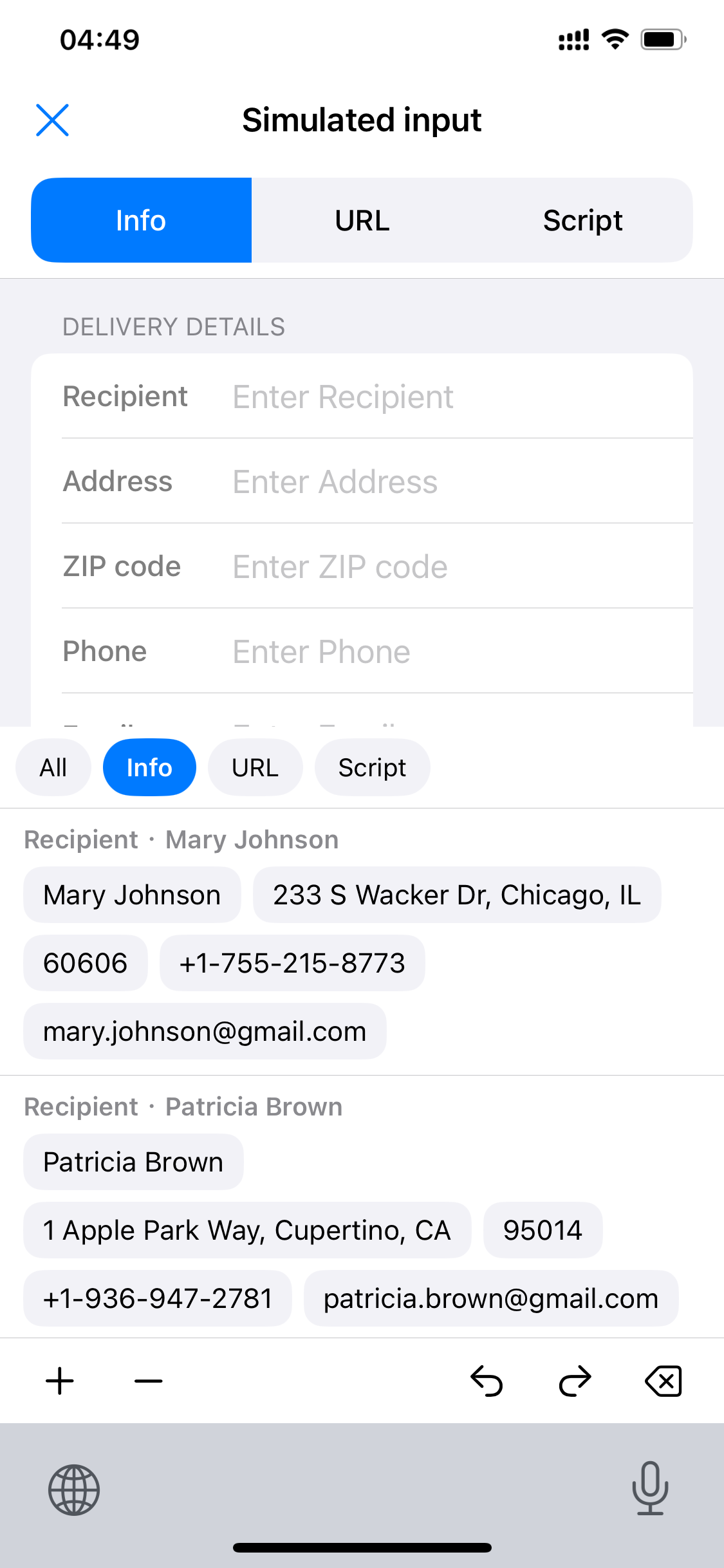
Tap any field chip under “Recipient · Mary Johnson” below to fill that field.
Content fills the first empty field of the shipping form automatically; you can also tap a field first, and its gray placeholder disappears.
Category buttons at the top of the keyboard filter entries; ⌥ clears the current field, ↩ resets everything.
The simulator above is a 1:1 recreation of this interface: the target app on top, the Scrip keyboard below — tap an entry, type it in.
 Scrip
Scrip