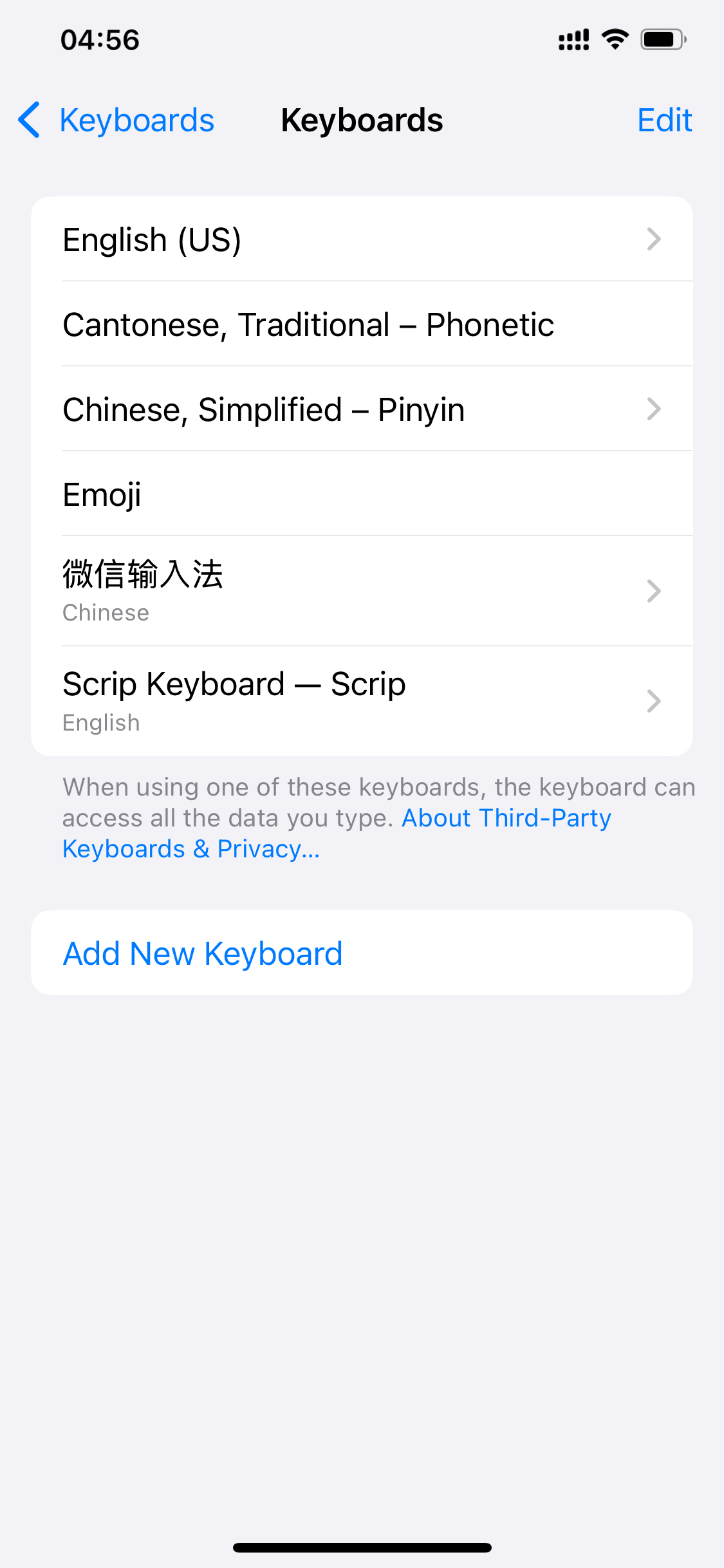
Scrip turns addresses, URLs, scripts and other everyday text into entries. The main app keeps them organized by category; the custom keyboard lets you type them anywhere with a tap — what you see is what you get.
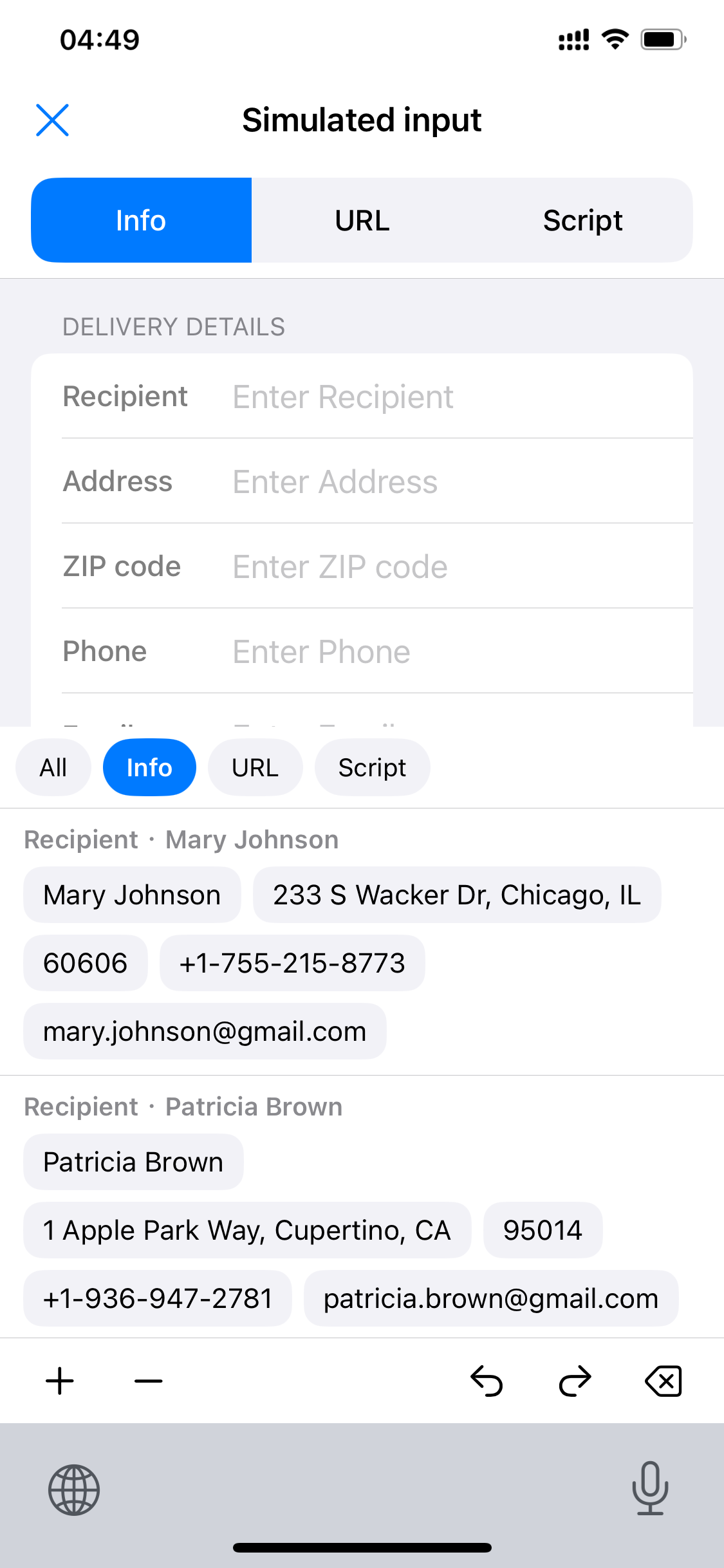
From organizing entries to one-tap keyboard input, each page focuses on one scenario. The three keyboard pages include an interactive simulator — tap the entry chips to see how real input works.
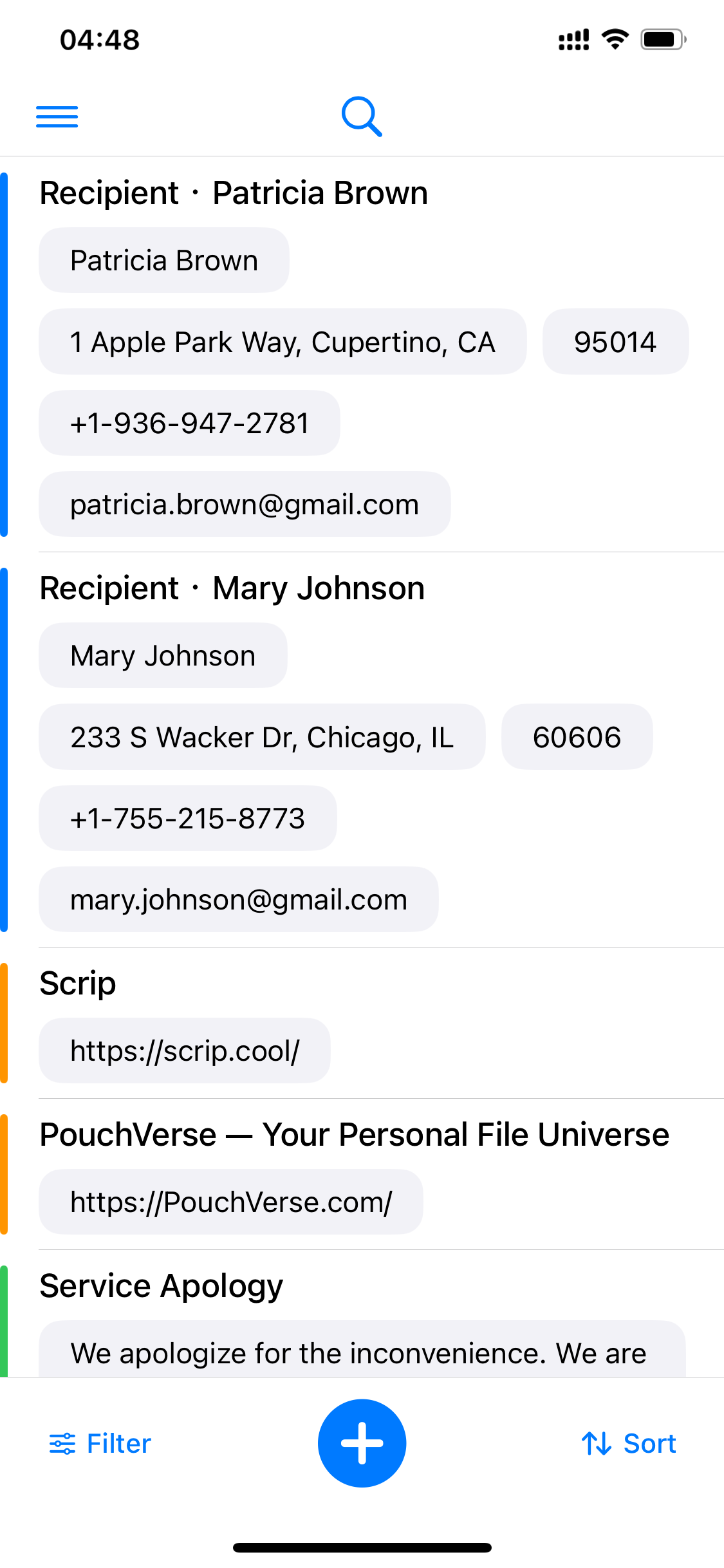
Everyday text organized into entries by scenario, with color-coded categories, search, filtering and sorting.
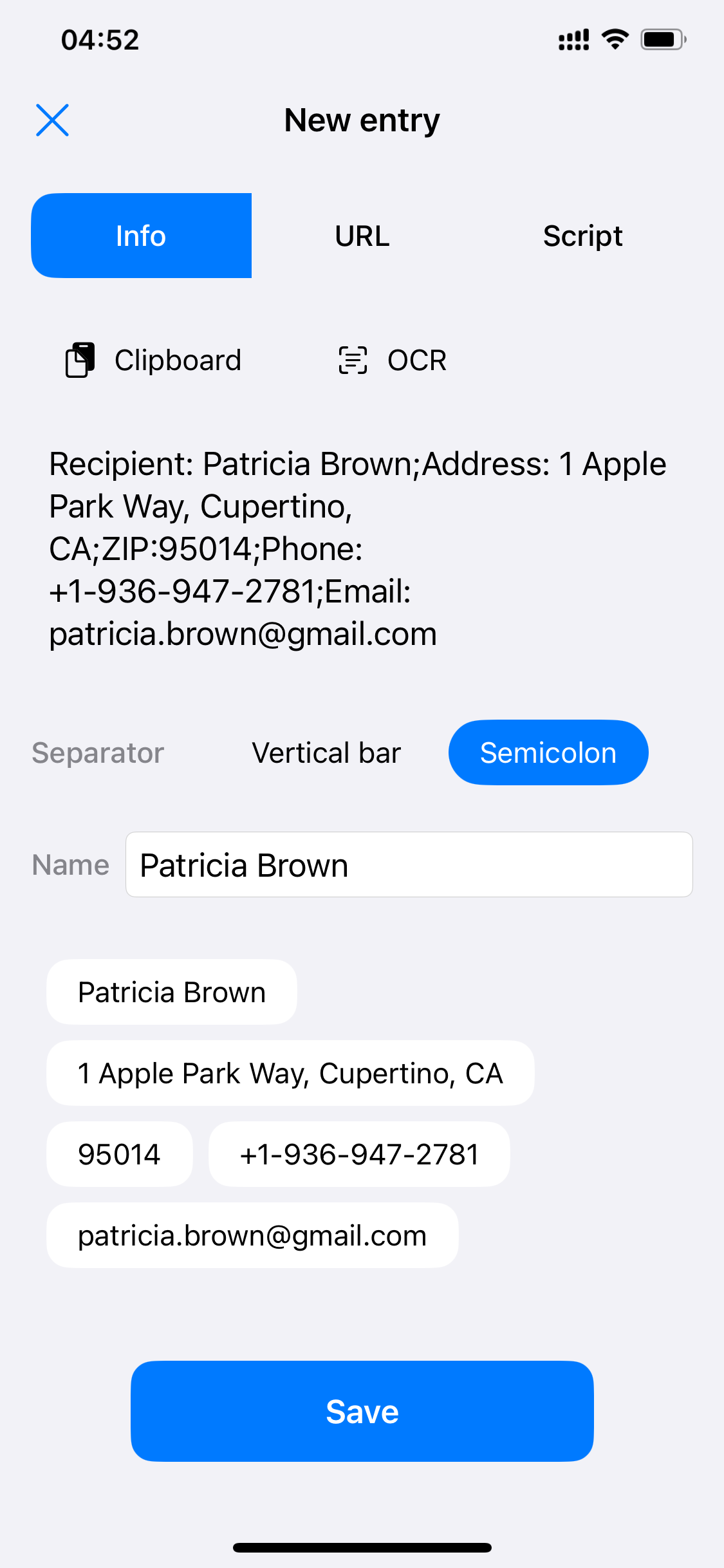
Import from clipboard or OCR, then split a block of text into fields with one delimiter.
Bring up the Scrip keyboard above a delivery form and tap entries to fill in recipient, address and more.
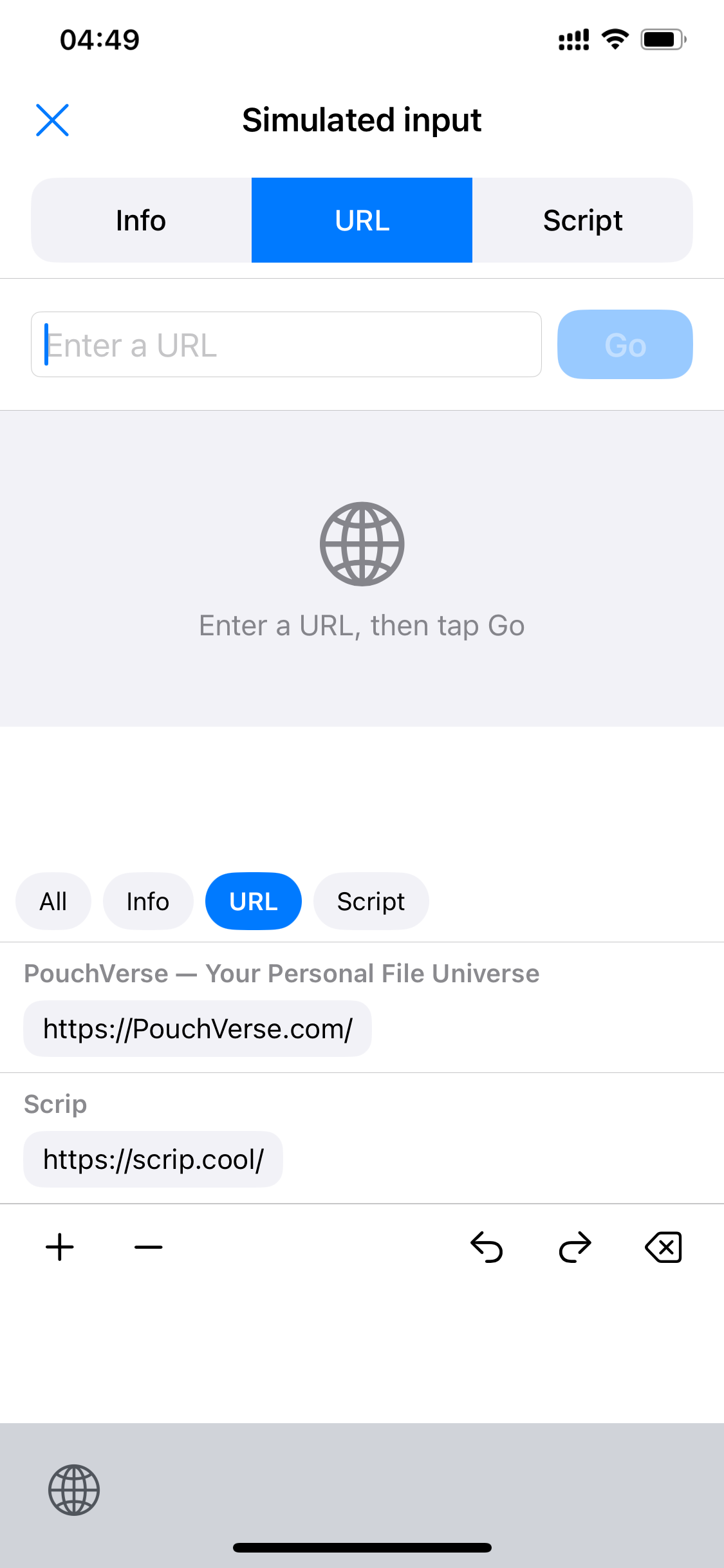
Save the URLs you visit often as entries, tap to fill the address bar, then tap Go to head straight there.
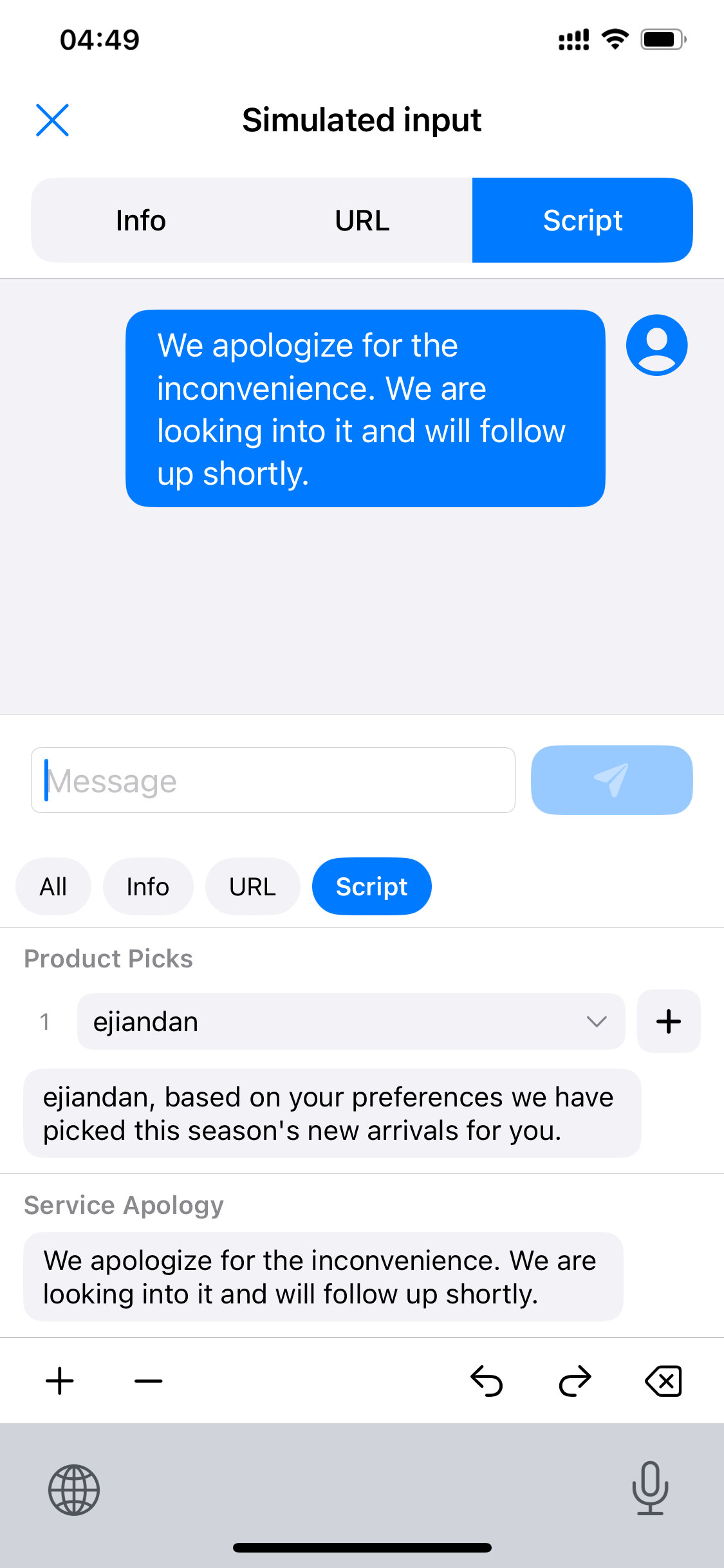
Customer-service scripts with placeholders — pick a name, then tap to send a complete reply.
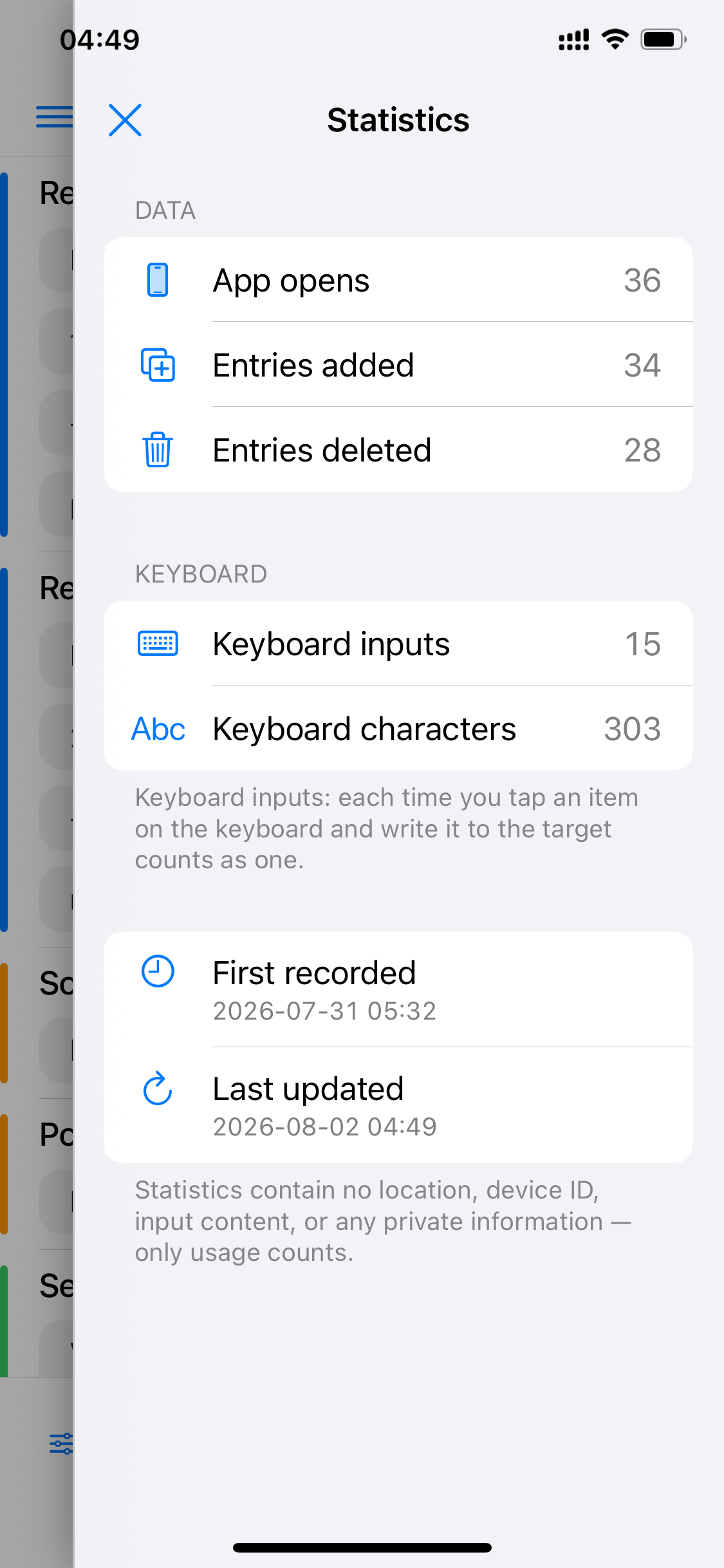
Tracks only how often you use entries — no location, device ID or input content — helping you review your habits.
Add addresses, URLs, scripts and other everyday text to Scrip and sort them into categories — import from clipboard or OCR.
Turn on the Scrip keyboard in system settings — a one-time setup for long-term use.
Bring up the Scrip keyboard in any app's text field, tap an entry, and the content appears instantly.
We recommend browsing in order: see how entries are organized first, then try the three interactive keyboard demos to experience what-you-see-is-what-you-get input.
Start browsing 01 · Entry Library → Scrip
Scrip